your ownadmin
People, teams, server settings and backups, for the person who runs the server.
eigen|admin⟩ is where you run the server. Only admins see it. You add people, put them in teams, and see how much disk each one uses. The owner, the person who set the server up, also gets the settings and the backups.
People and teams
You make an account with a name, a username and a first password. The username becomes the address on your mail domain.
Make someone an Admin to share the work. Reset a password when someone is locked out, which also signs them out everywhere. Or delete an account with everything in it.
A team is a group you share with at once. Everyone joins the team named after your organization. Make more, add people one by one or a whole selection at a time, and turn on a team calendar.
A team gets its own drive, on the server's disk or in an S3 bucket. At the festival the whole crew is one team, and Timo, Sanne and Tessa are a second one for stage and tech, which Saar shares her site access notes with. A new volunteer gets an account and joins the crew's team, and the plan, the budget and the crew's calendar are there at the first login.
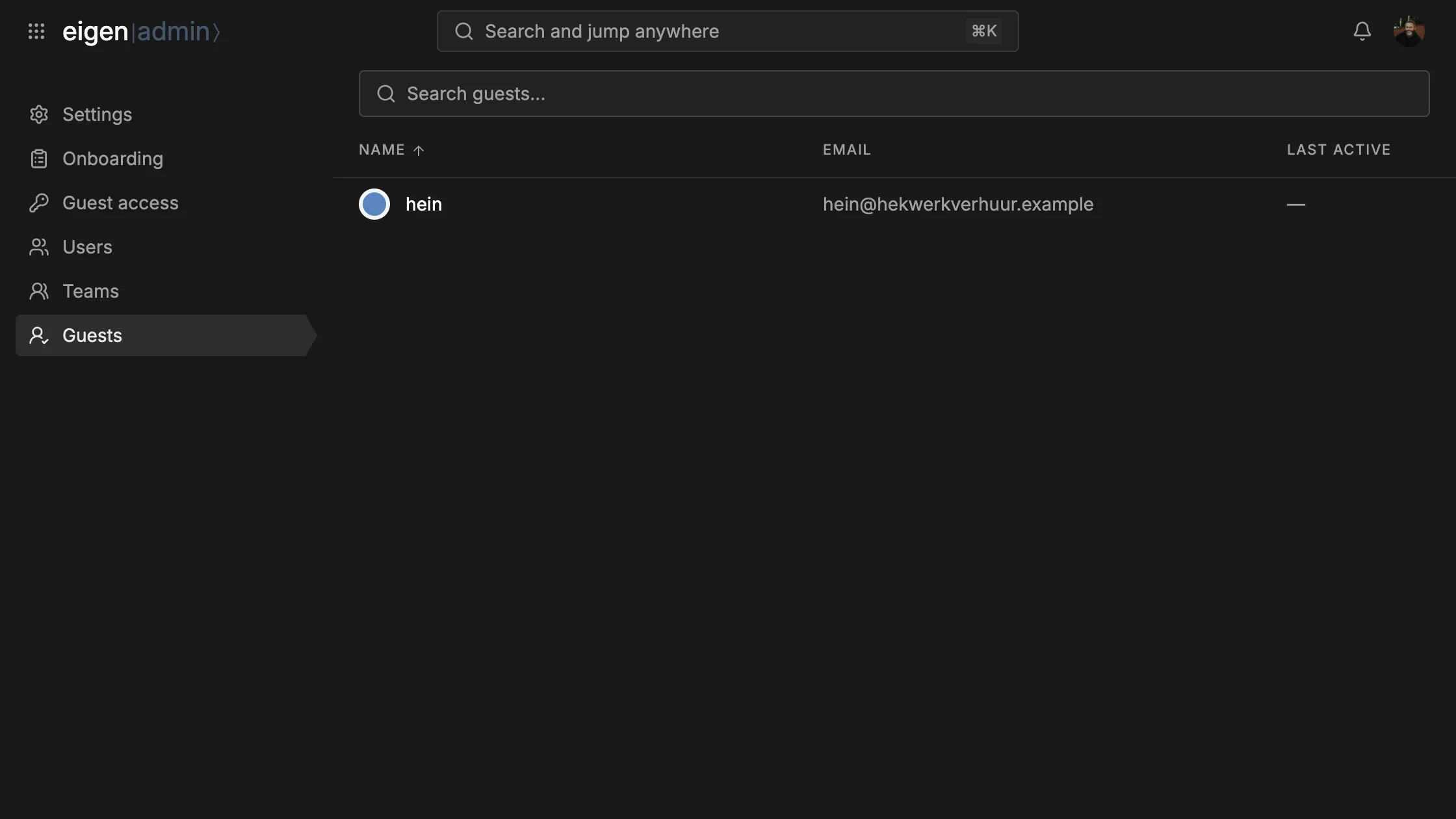
People from outside sign in with a code by mail and see only what was shared with them.
Server settings
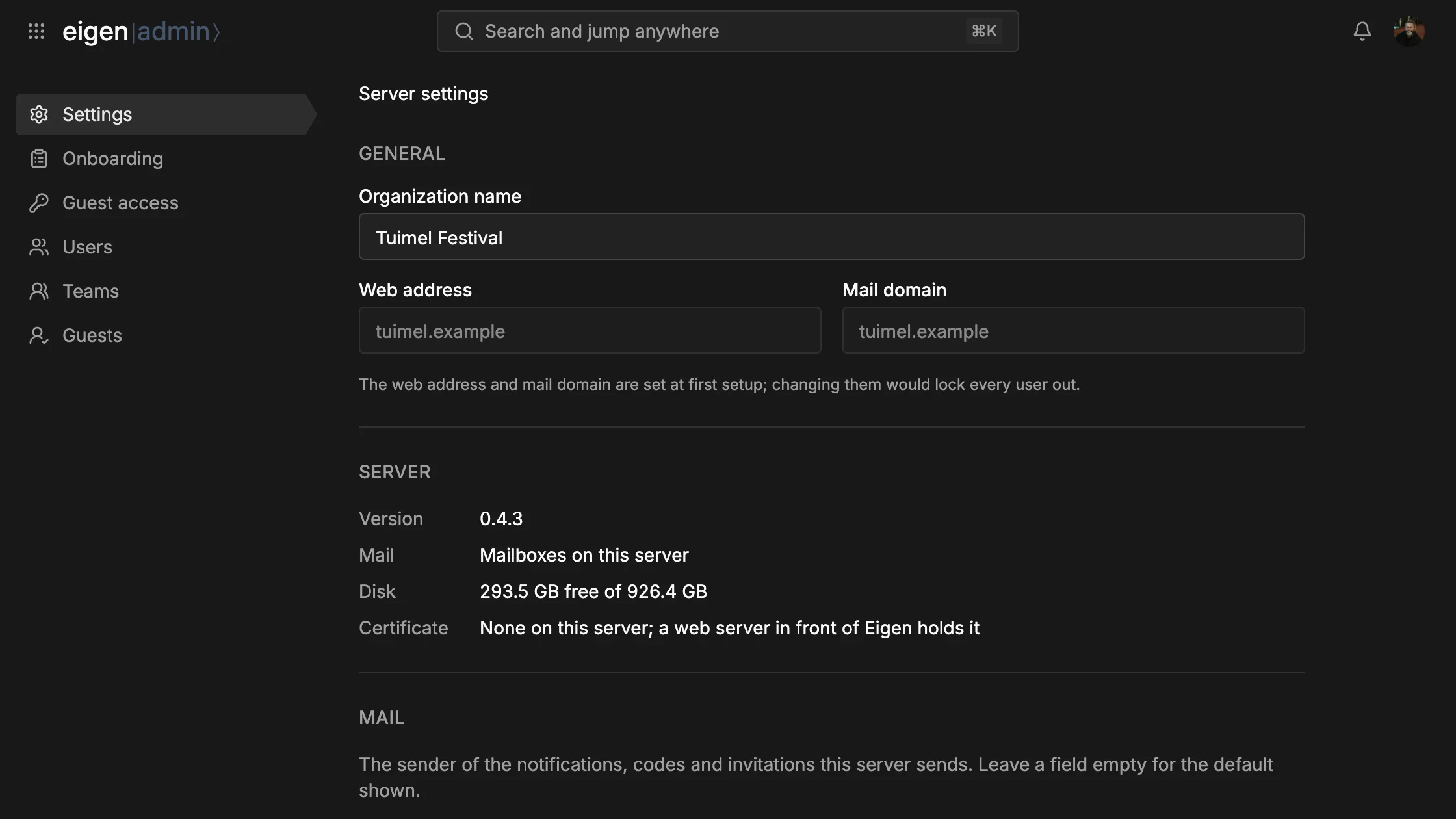
The owner's Settings page shows the version, the free disk and the HTTPS certificate. It sets who Eigen's own mail comes from, with a button that sends you a test mail.
It also sets how much each person may store and upload, how long the Trash keeps files, and which events also send an email. You can put your own buttons on the landing page, beside Log in.
Backups
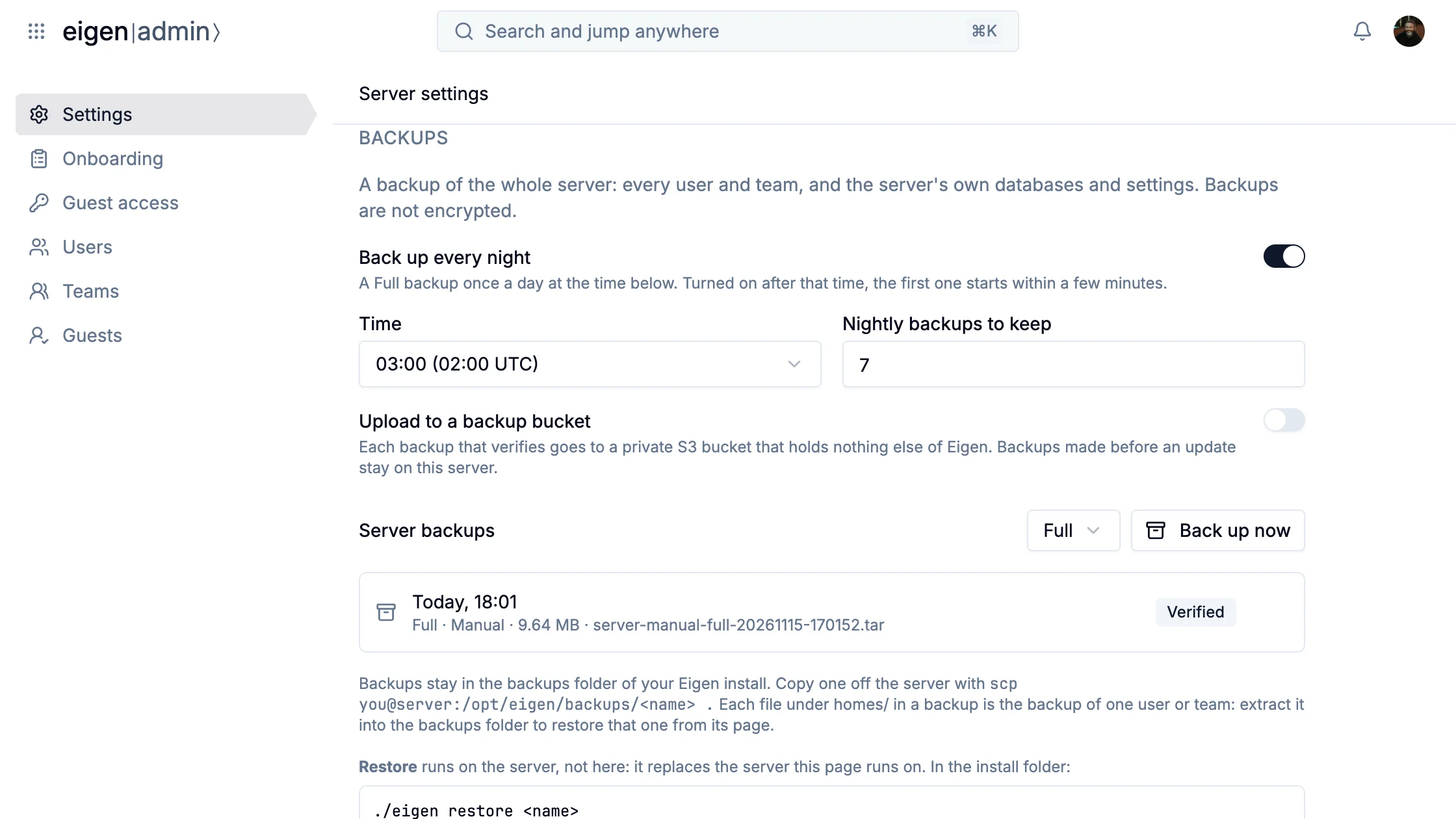
Eigen backs up the whole server while it runs, every night once you turn that on, and nobody is signed out. Each backup is checked after it is made, and it can go to an S3 bucket of its own, off the server. Putting one back is ./eigen restore on the server, also on a new machine.
You can also back up one person or one team from their panel, and restore just that account. The account as it was stays beside it as a safety copy, so a restore can be undone. A backup holds everything, so treat it like a password.
Updates
An update is one command, ./eigen update. It makes a backup first, warns everyone with Eigen open, and is down only for the switch. If the new version misbehaves, ./eigen rollback goes back to the one before.