your owncalendar
Your calendars, your team's and the invitations between them, on your own server and synced to your phone.
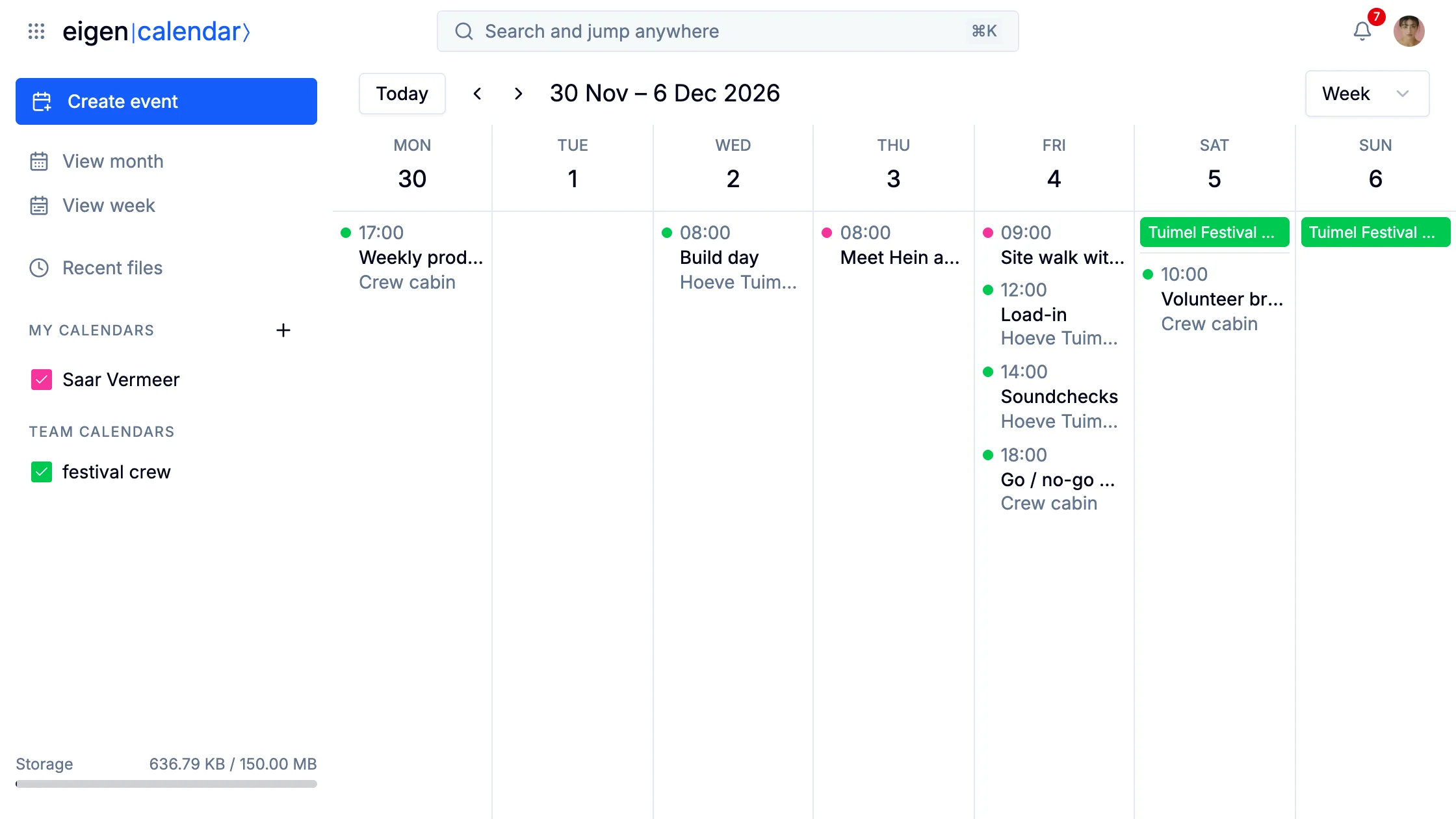
eigen|calendar⟩ is where you keep your schedule in Eigen. It opens on the month, with a week view one click away, and your own calendars sit beside your team's in the sidebar.
More than one calendar
Everyone has a calendar of their own, and a team has one its members share. The festival crew's calendar holds the build day, load-in and soundchecks, the go/no-go meeting, the volunteer briefing, the weekend itself and the strike. Saar's site walk and her meeting with the fencing hire are in her own.
Each calendar has a colored box in the sidebar that shows or hides its events, so you can look at the festival without your own shifts, or the other way round.
You can share one of your calendars with people or a team, to edit, to view, or to see only when you are busy.
An event repeats, such as daily, weekly or on weekdays, and you change one date or the whole series. The crew's production meeting is one event that comes back every week.
Guests and their answers
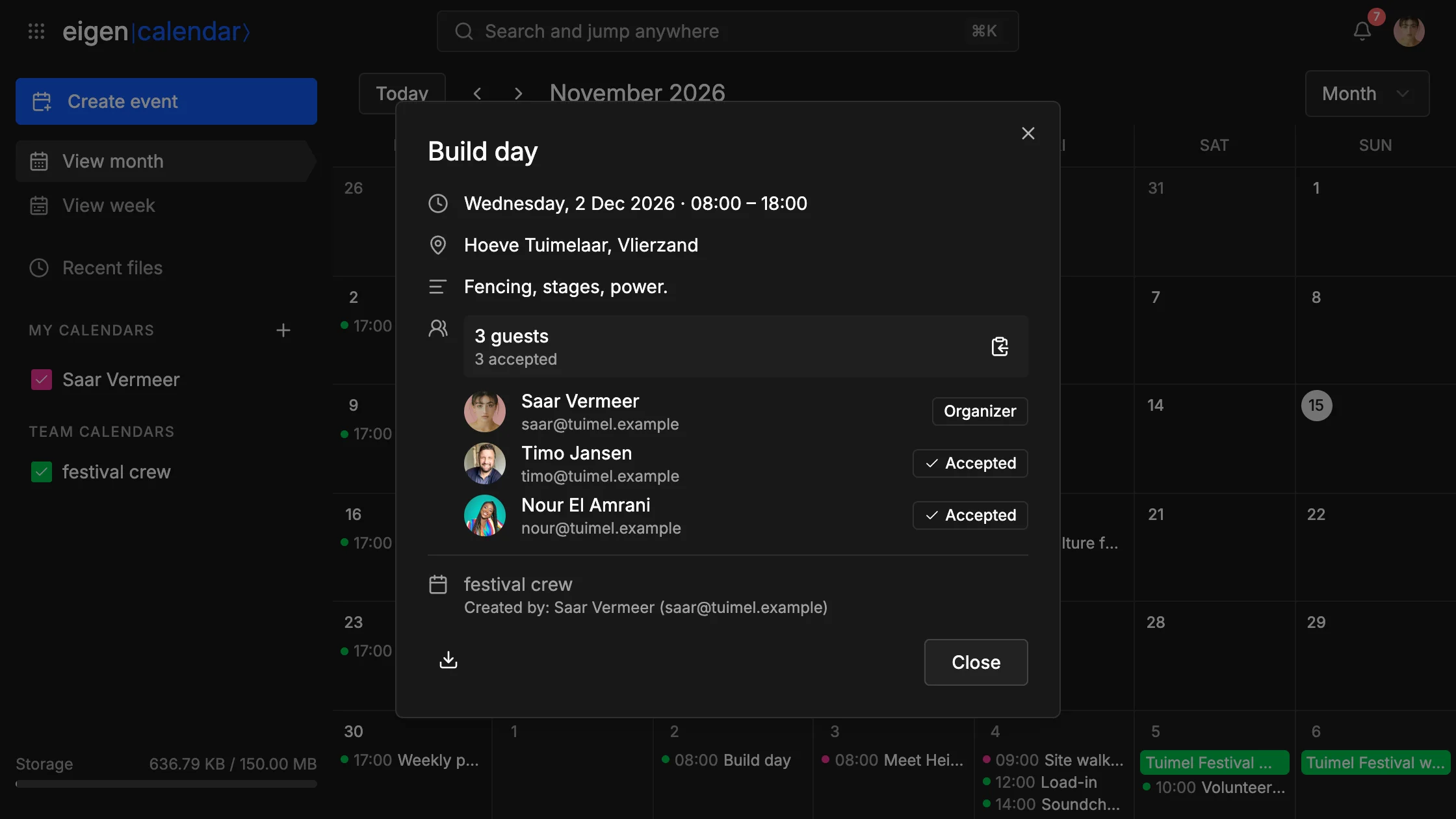
Add guests to an event by name or email address, and each one shows Pending until they answer Accepted, Maybe or Declined. So whoever calls the go/no-go meeting sees who will be in the room before it starts.
Above three guests the list folds into a count and a summary of the replies. When someone invites you, the event shows up in your calendar with Accept, Maybe and Decline at the bottom.
People outside Eigen
You can invite any email address. Someone on Google Calendar, Apple Calendar or Outlook gets an invitation email their app understands, and their answer comes back and updates your event.
An invitation from them arrives in Mail as a card and goes into your calendar, as long as your server can verify who sent it. This needs an Eigen that hosts your email.
On your phone
Your calendars sync over CalDAV with Apple Calendar on a Mac or an iPhone, with Thunderbird, and with other CalDAV apps. You can also bring a calendar in or take it out as an .ics file.